| 查看上一个主题 :: 查看下一个主题 |
| 作者 |
内容 |
Yebisu 

注册时间: 2011年2月13日
文章: 1299
|
|
| 返回顶部 |
|
 |
fuzzywuzzy

注册时间: 2010年12月18日
文章: 1258
来自: Down East, Canada, eh?
Expire: 2013-11-30
|
 发表于: 周四 3月 01, 2012 12:33 pm 文章标题: |
|
发表于: 周四 3月 01, 2012 12:33 pm 文章标题: |
|
|
fuzzywuzzy wrote:
This kind of thing looks so easy but the devil is in the details 
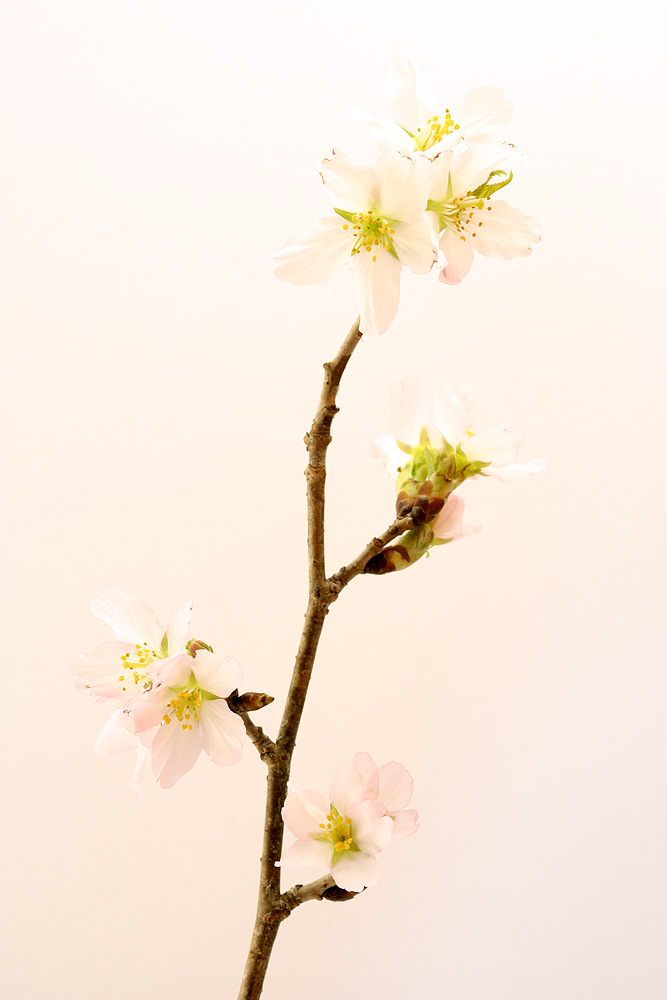
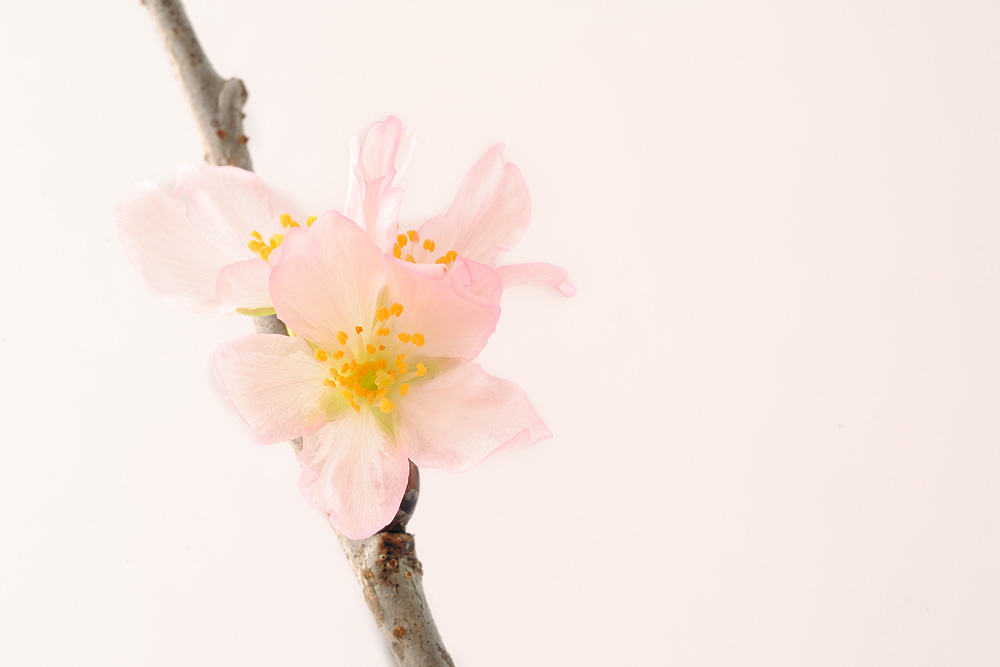
Your background is picking up a pink cast from the flowers, is there any way to get the flowers further away from that background?
Alternatively you could pick a different colored background. A very light grey would give you more contrast but remain neutral.
I'm no artist, but I'm told that colors on the opposite side of a color wheel complement each other, so you could try with a green background - http://www.colormatters.com/color-and-design/basic-color-theory
_________________
I welcome C&C, editing my pics and reposting them on the forum is fine.
NEX-F3
~~~~~~~~~
CZJ Sonnar 135/4, Biotar 58/2, Pancolar 50/2, Tessar 50/2.8, Flek 35/2.8, Flek 25/4
Super Takumar 135/2.5, 135/3.5, 100/4 bellows, 50/1.4, 28/3.5
Helios 58/2, 3M-5A 500/8, Mir 20M
Vivitar Series 1 70-210 - - - - - - - - Nikkor 200/4
Rikenon 28/2.8 - - - - - - - - Zeiss 50/1.7 Planar
PB 50/2.4, 135/2.8
Yashica 50/1.9, 28/2.8, 135/2.8
Hexanon 28/3.5, 50/1.4 |
|
| 返回顶部 |
|
|
Yebisu
注册时间: 2011年2月13日
文章: 1299
|
发表于: 周四 3月 01, 2012 1:25 pm 文章标题: |
|
发表于: 周四 3月 01, 2012 1:25 pm 文章标题: |
|
|
Yebisu wrote:
Thanks for the reply fuzzy.
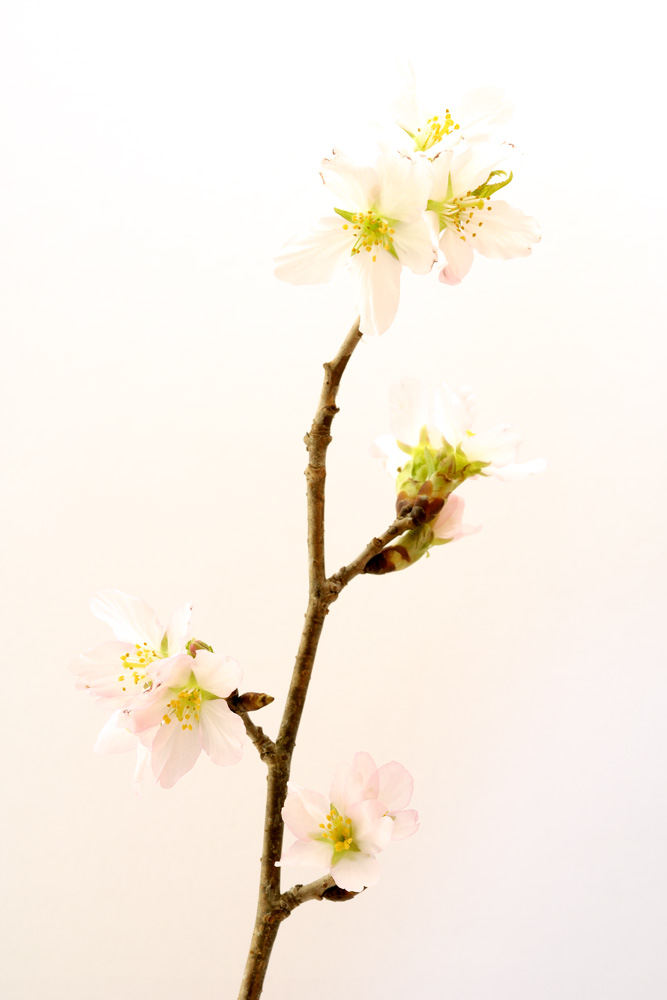
I tried to remove the cast in photoshop but I couldn't do it without burning out the petals. Need to improve my photoshop skills! Like you said, different colour background card might be the answer. Or a different colour flower.
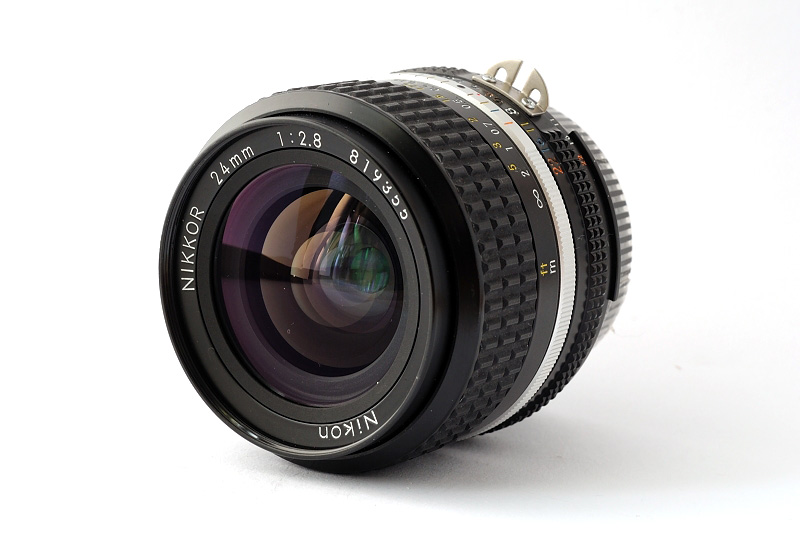
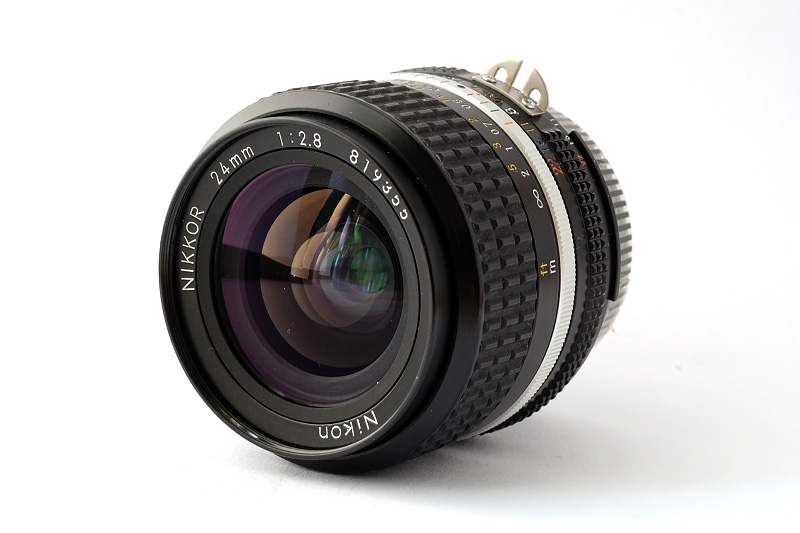
It was much easier to photograph a lens this way. It was a bit grey on one side so I had a quick play with "levels" now the background looks OK (to me anyway:D )
#1
 |
|
| 返回顶部 |
|
|
tobbsman


注册时间: 2008年7月25日
文章: 2578
来自: Austria
|
发表于: 周四 3月 01, 2012 4:30 pm 文章标题: |
|
发表于: 周四 3月 01, 2012 4:30 pm 文章标题: |
|
|
tobbsman wrote:
just beatiful!
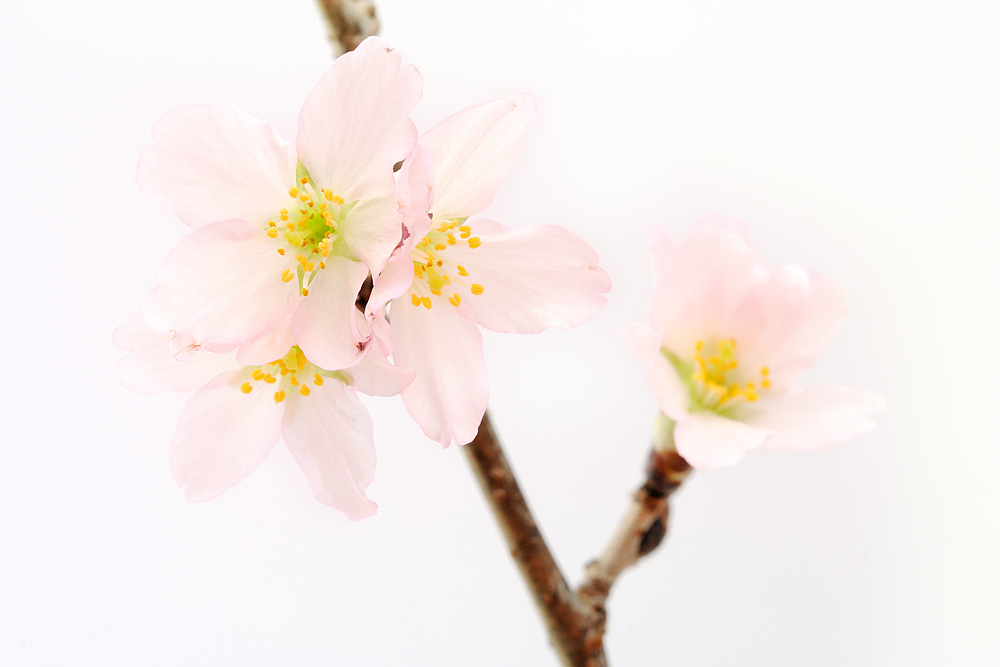
#3 does it for me ... all perfect.
Cheers
Tobias
_________________
Camera Pentax K10D, K20D, Super A
SMC K28 3.5, SMC K24 2.8, SMC K28/2, SMC K50/1.4,SMC A50/1.7, SMC M28/3.5, SMC A 50/1.7, SMC K135 2.5, SMC A50 1.2
SMC A35-105 3.5, SMC A70-210 4, SMC A20 2.8, SMC M28 2.8,K28/3.5 SMC A28 2.8, SMC A100 2.8 Macro, CZJ Flektogon 20 2.8 (MC), 35 2.4 (MC),S.M.C Takumar 85mm 1.8, Helios 44M-4, A.Schacht Travenar 90/2.8, C.Zeiss J. Sonnar 180/2.8
Check out my: 2012 New "Advanced Guide to Panorama Stiching" !
Check out my "Beginner's Guide to Panorama Stiching !
Visit my Asahi and Zeiss MF lens samples database ! |
|
| 返回顶部 |
|
|
Gerris2


注册时间: 2011年10月9日
文章: 229
来自: Wilmington, Delaware USA
Expire: 2014-01-17
|
发表于: 周四 3月 01, 2012 5:19 pm 文章标题: |
|
发表于: 周四 3月 01, 2012 5:19 pm 文章标题: |
|
|
Gerris2 wrote:
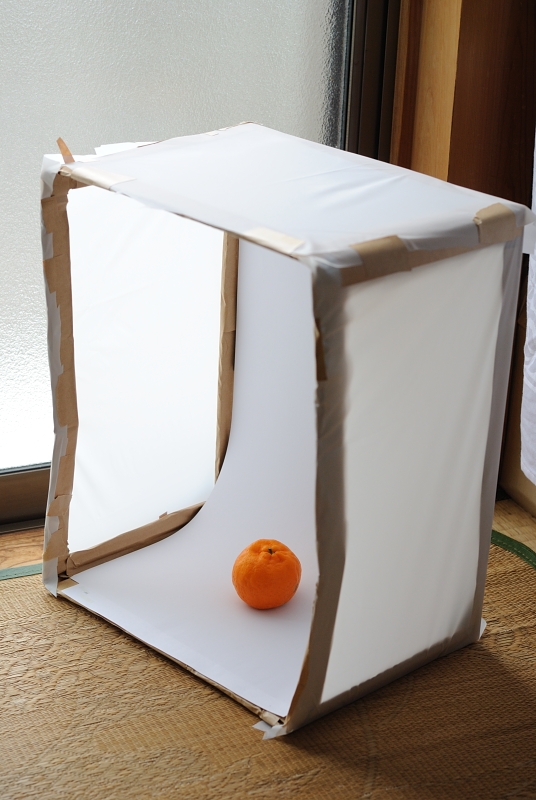
They are lovely photos, also thank you for the photo of your nice backdrop.
_________________
Joseph |
|
| 返回顶部 |
|
|
Orio

注册时间: 2007年2月24日
文章: 29545
来自: West Emilia
Expire: 2012-12-04
|
发表于: 周四 3月 01, 2012 6:06 pm 文章标题: |
|
发表于: 周四 3月 01, 2012 6:06 pm 文章标题: |
|
|
Orio wrote:
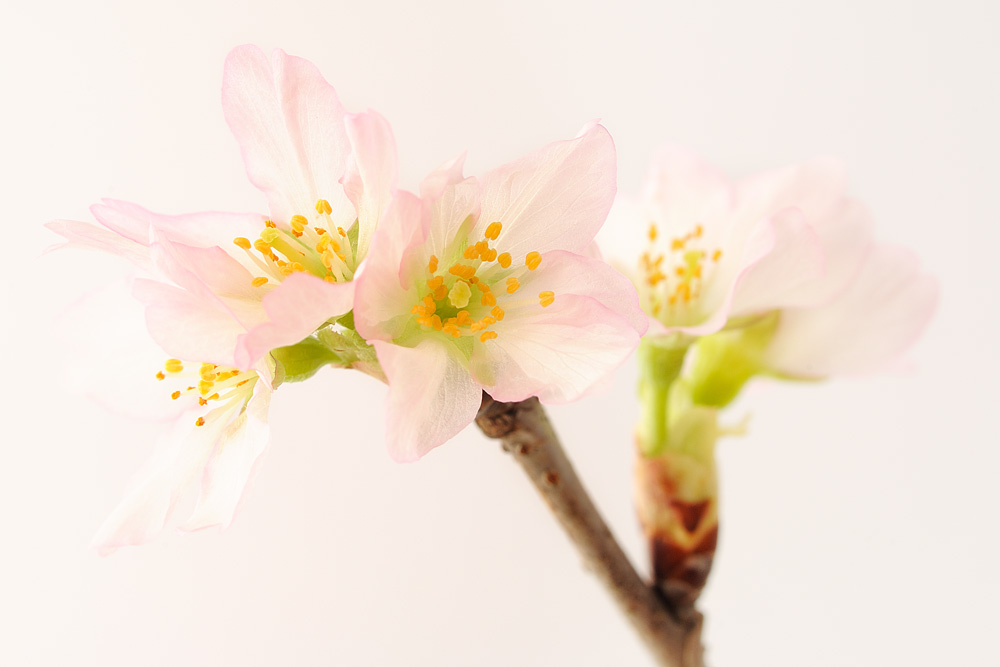
Most highlights look clipped here, but perhaps it's my monitor.
_________________
Orio, Administrator
T*
NE CEDE MALIS AUDENTIOR ITO
Ferrania film is reborn! http://www.filmferrania.it/
Support the Ornano film chemicals company and help them survive!
http://forum.mflenses.com/ornano-chemical-products-t55525.html |
|
| 返回顶部 |
|
|
sichko

注册时间: 2008年6月20日
文章: 2475
来自: South West UK
|
发表于: 周四 3月 01, 2012 6:14 pm 文章标题: |
|
发表于: 周四 3月 01, 2012 6:14 pm 文章标题: |
|
|
sichko wrote:
| Orio 写道: |
| Most highlights look clipped here .... |
The histograms confirm that.
_________________
John |
|
| 返回顶部 |
|
|
|
|
|
您不能在本版块发表新主题
您不能回复本版块的主题
您不能编辑自己在版块内的文章
您不能删除自己在版块内的文章
您不能参与本版块的投票
|
 中文
 Español
 Magyar
 Русский
 Deutsch
 日本語
 Français